
Description
Product Overview
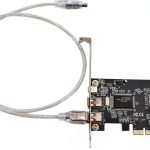
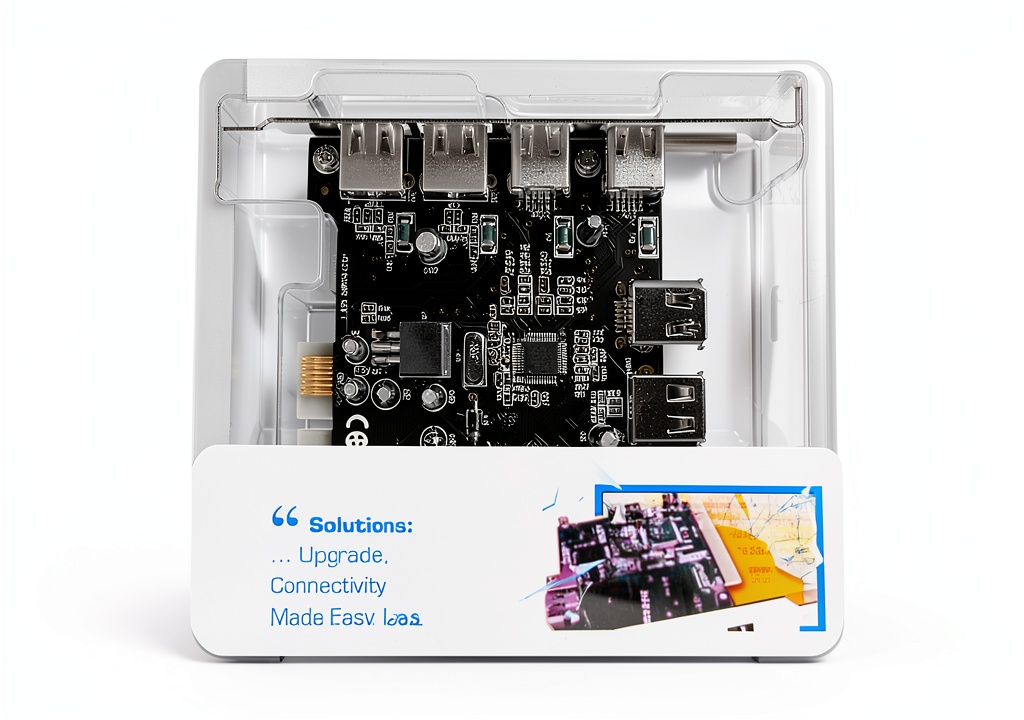
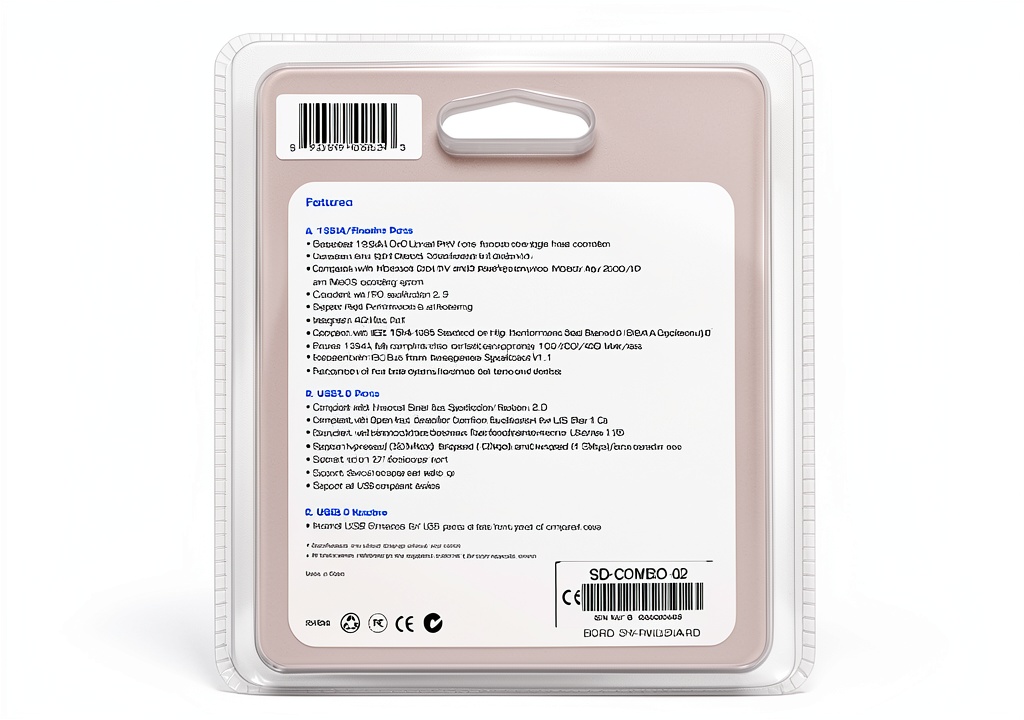
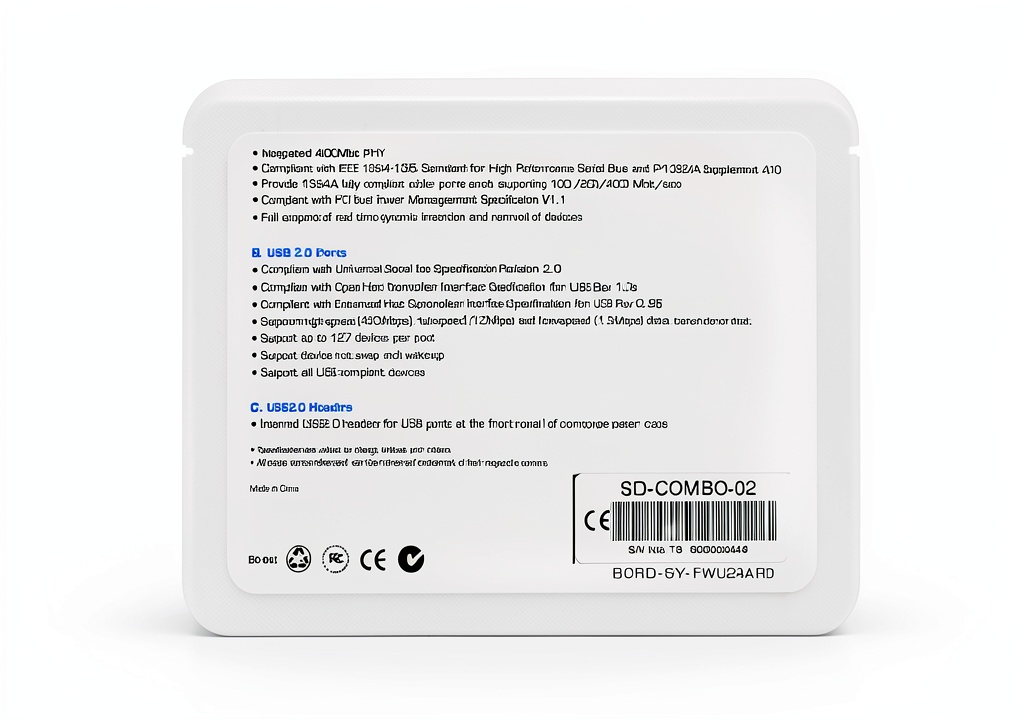
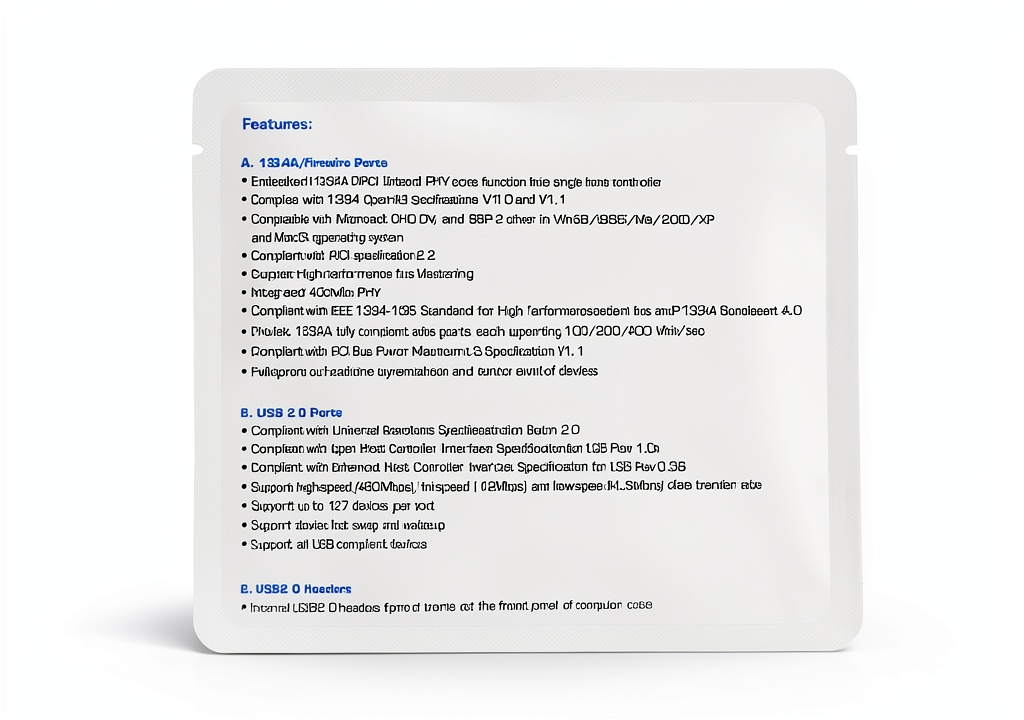
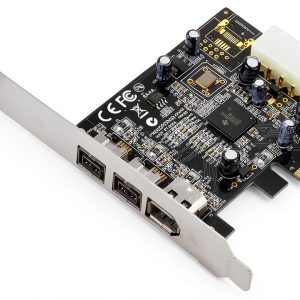
The Syba VIA VT6214L USB 2.0 FireWire Card is a high-performance expansion card designed for PC users who require multiple ports for connecting peripherals and devices. With its VIA VT6214L and VT6306 chipsets, this card provides two USB 2.0 and two FireWire ports, making it an ideal solution for users who need to transfer data quickly and efficiently.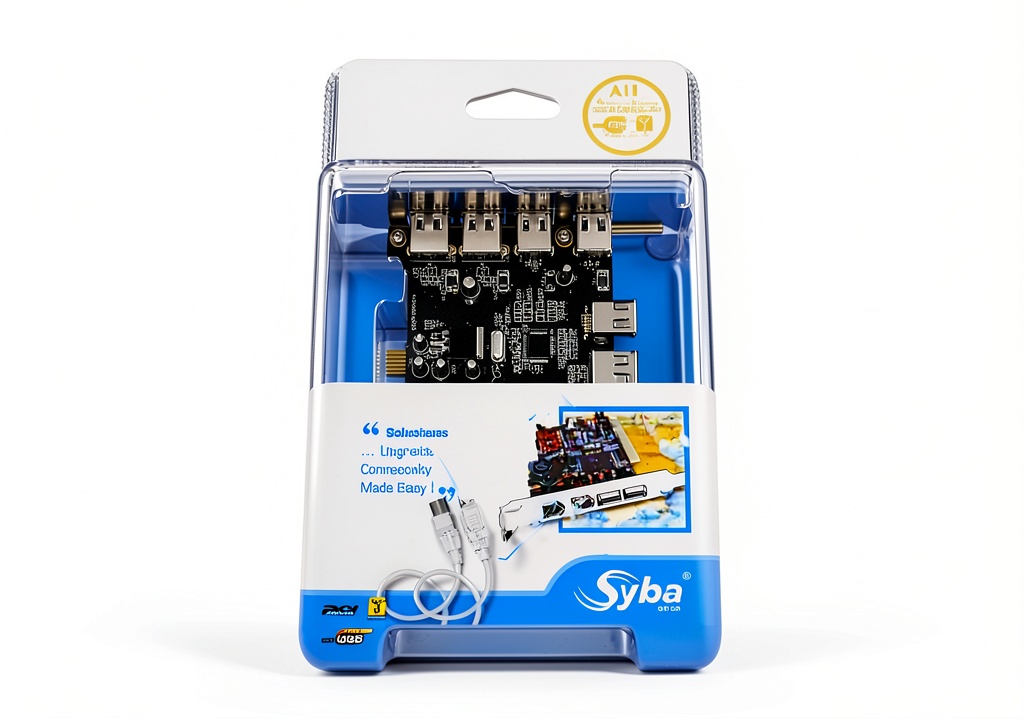
Usage
The Syba VIA VT6214L USB 2.0 FireWire Card is perfect for users who need to connect multiple devices to their PC, such as external hard drives, cameras, and printers. With its plug-and-play design and hot-swappable functionality, this card makes it easy to add or remove devices without restarting your computer.
Why Choose Us
The Syba VIA VT6214L USB 2.0 FireWire Card stands out from other expansion cards on the market due to its high-quality construction and reliable performance. With its VIA VT6214L and VT6306 chipsets, this card provides fast data transfer speeds and is compatible with a wide range of devices. Additionally, the card’s plug-and-play design and hot-swappable functionality make it easy to use and maintain.
Key Features
- Two USB 2.0 ports for connecting peripherals and devices
- Two FireWire ports for connecting high-speed devices
- Plug-and-play design for easy installation
- Hot-swappable functionality for easy device removal
- High-quality construction for reliable performance
FAQ
What devices can I connect to the Syba VIA VT6214L USB 2.0 FireWire Card?
You can connect a wide range of devices to the Syba VIA VT6214L USB 2.0 FireWire Card, including external hard drives, cameras, printers, and more.
Is the Syba VIA VT6214L USB 2.0 FireWire Card compatible with my PC?
The Syba VIA VT6214L USB 2.0 FireWire Card is compatible with most PCs, but it’s always best to check the specifications of your PC before purchasing.
How do I install the Syba VIA VT6214L USB 2.0 FireWire Card?
The Syba VIA VT6214L USB 2.0 FireWire Card is a plug-and-play device, which means it can be installed without the need for drivers or software. Simply insert the card into your PC and it will be recognized automatically.
Reviews
There are no reviews yet.